
The Modbus TCP/IP to Modbus RTU Converter from Aranet is a versatile bridge that facilitates seamless communication between Aranet Base Stations and devices using the Modbus RTU protocol.
This essential tool enables Aranet Base Stations, which operate over Ethernet networks with Modbus TCP/IP, to interface with Modbus RTU-based devices typically connected through serial communication links like RS-485.
Unlock Seamless Integration:
With this converter, you can easily integrate Aranet Base Stations into your existing systems that rely on Modbus RTU, ensuring that all your devices work together efficiently and reliably. Perfect for complex installations where different communication protocols need to coexist, this converter simplifies your network management and extends the functionality of your Aranet setup.
Achieve effortless connectivity and expand your system’s capabilities with the Modbus TCP/IP to Modbus RTU Converter.
Key Features
- Protocol Bridge: Converts Modbus TCP/IP communications from Aranet Base Stations to Modbus RTU, enabling compatibility between different device protocols.
- Efficient Integration: Ideal for users looking to connect their Aranet Base Stations to systems that support the Modbus RTU protocol, unlocking new possibilities for data management and control.
Requirements
- Compatibility: Requires an active Aranet base with a Modbus TCP/IP license and firmware version 3.1.7 or newer.
- Quick Setup: Includes a detailed Quick Start Guide for easy configuration.
Installation & Configuration:
- Connect with Care: Follow the provided connection diagram and ensure that all wiring is completed with the power supply turned off.
- Aranet Base Configuration:
- Log in to the Aranet base web GUI.
- Navigate to the “System” menu and locate the base’s IP address in the “Network” tab.
- Enable Modbus integration in the “Modbus” menu and save the changes.
- Converter Configuration:
- Access the Converter’s web GUI and set the “Operation mode” to RTU_Master-TCP_Slave.
- Enter the Aranet base’s IP address and Modbus TCP/IP port number in the appropriate fields.
- Configure the Serial port parameters according to your Modbus RTU Client’s specifications.
Auxiliary Modules
Accessories


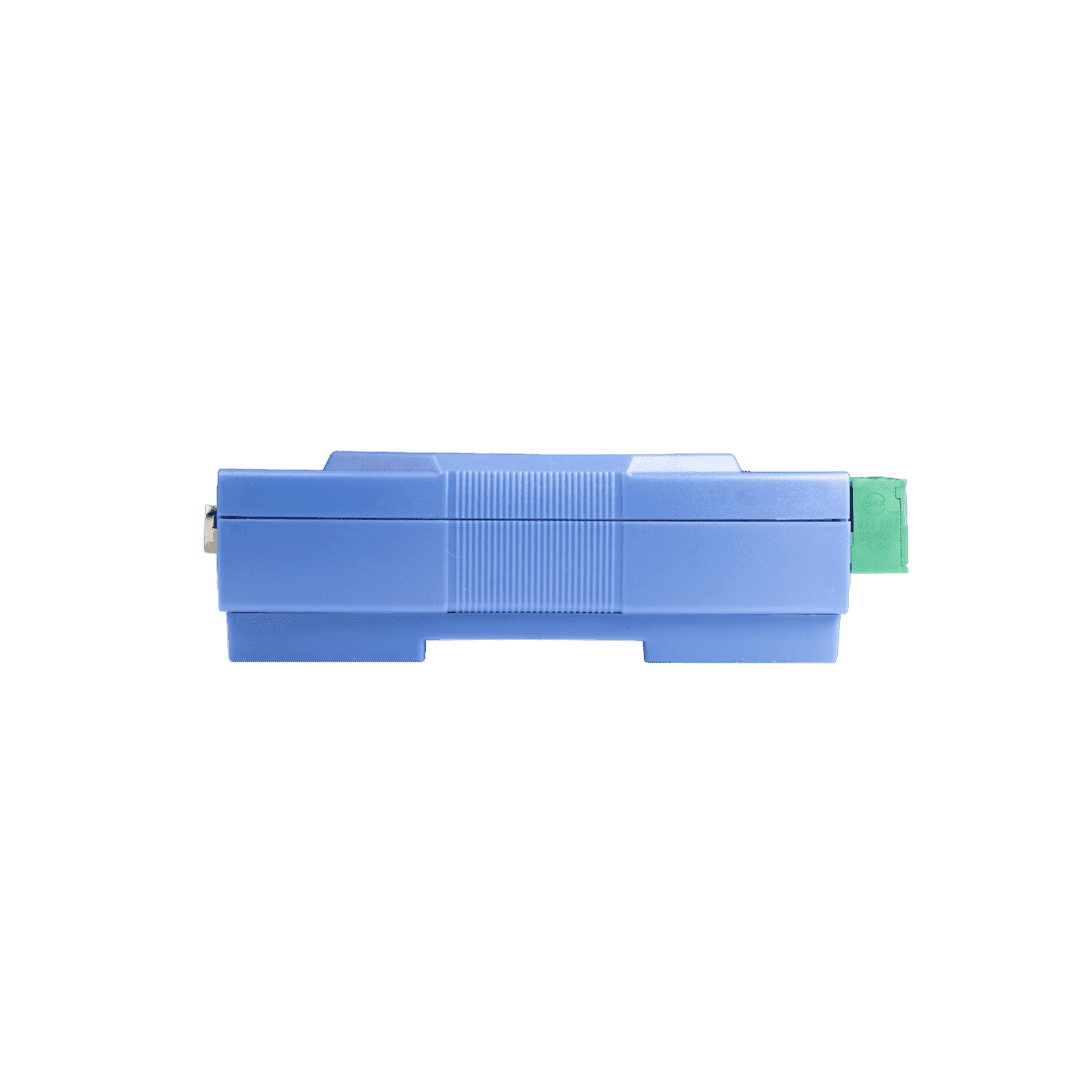
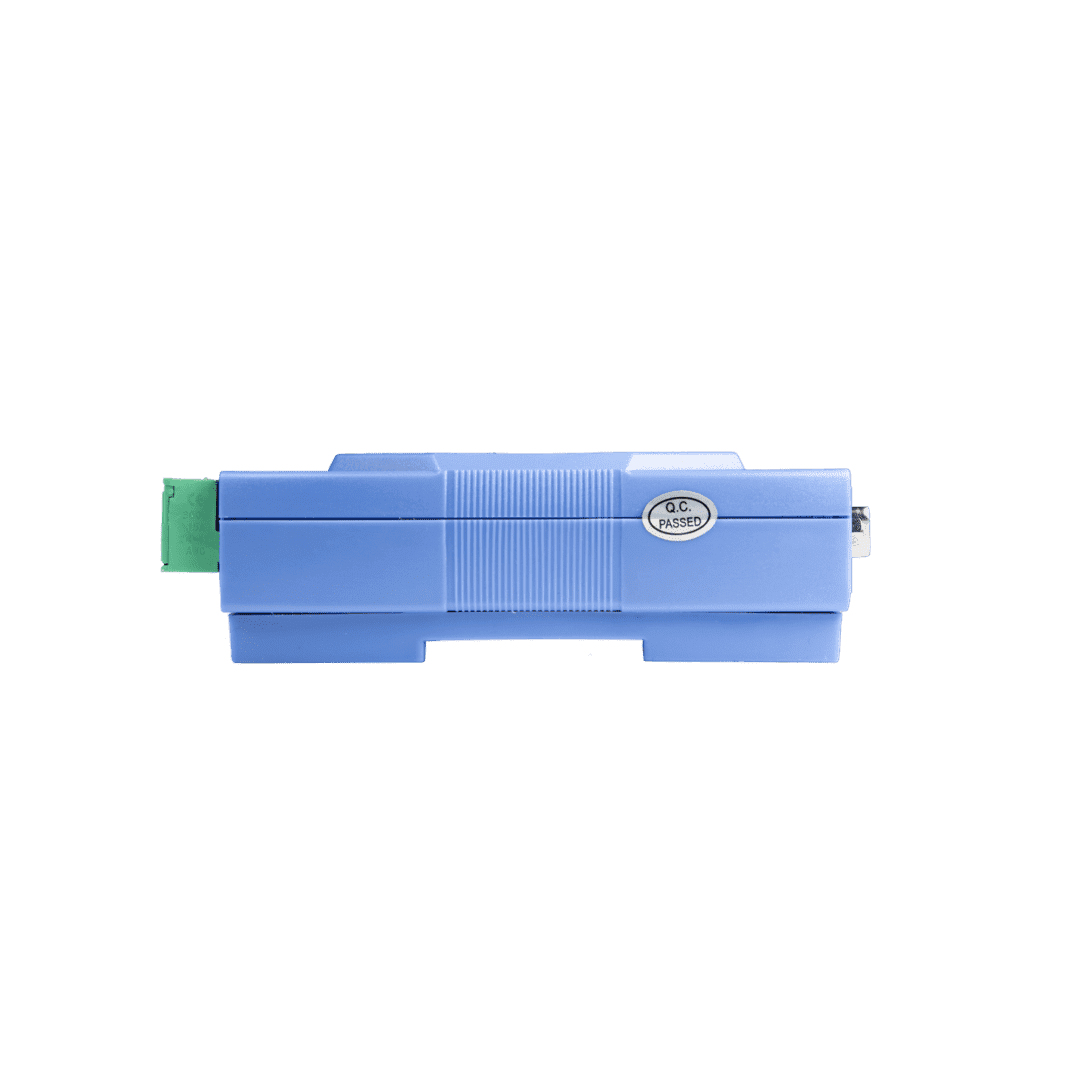


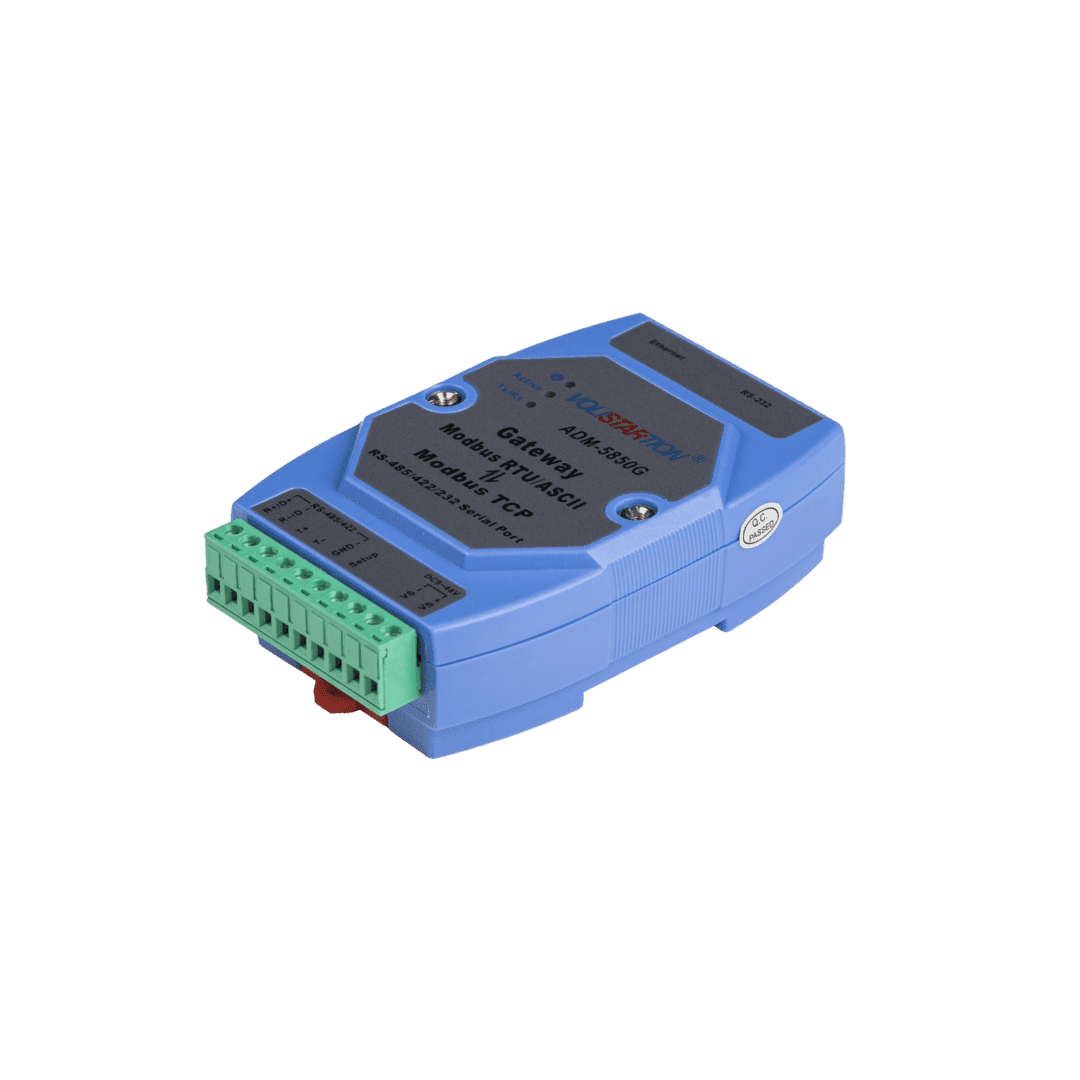

Enquire about this product.
To ensure this item is exactly what you’re looking for, fill out the form below and one of our experts will be in touch to help.